Library (My Documents)
Every uploaded file & generated output lives here: view per document, filter by type, manage folders, full-height preview, download, and delete with confirmation. Your working archive — keep it as tidy as a thesis/project folder.
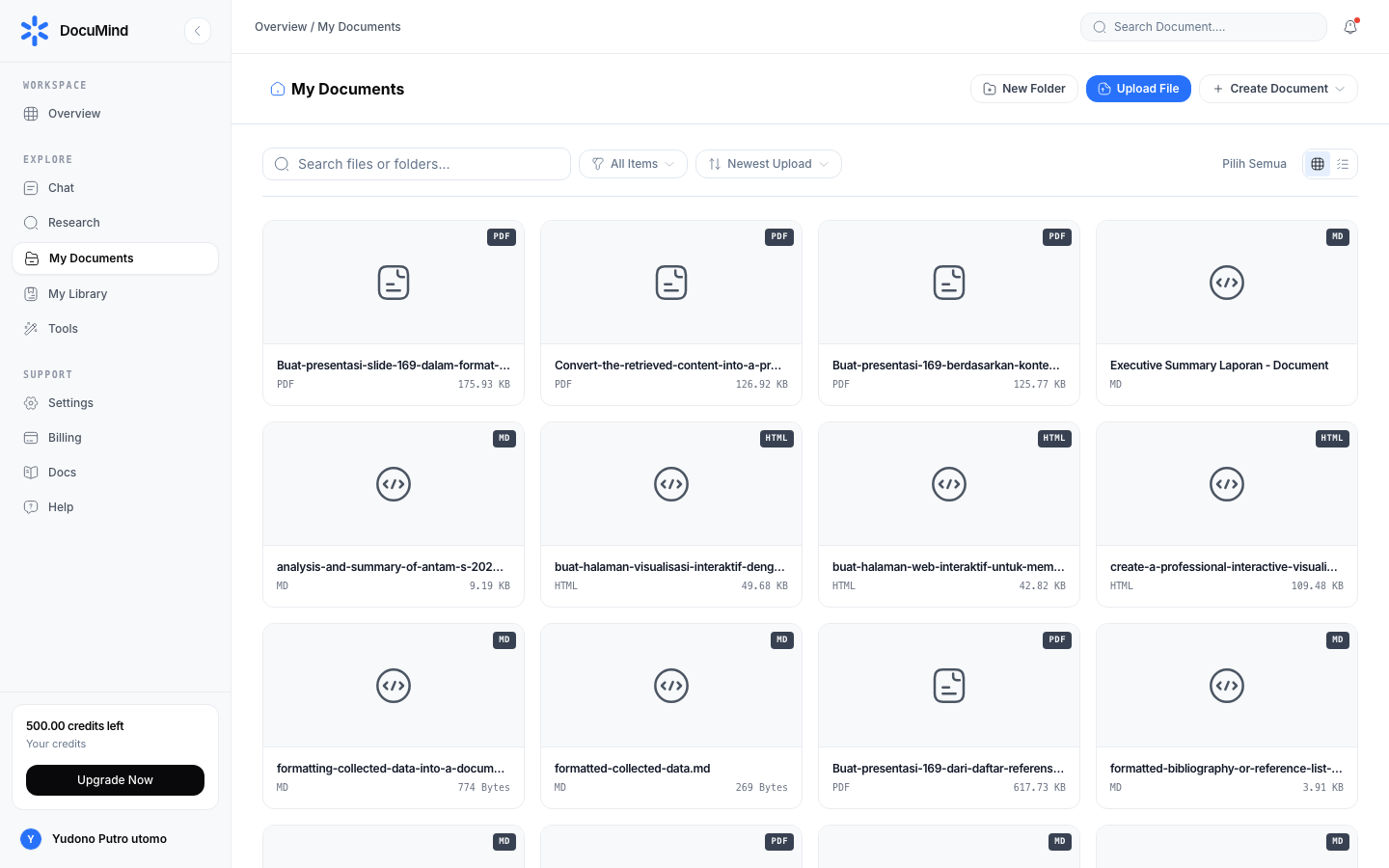
URL: https://www.documind.id/dashboard/my-documents
Quick Summary
| Aspect | Details |
|---|---|
| Pages | /dashboard/my-documents (list) and /dashboard/items/:id (detail) |
| View | 4-column grid, 32 items per page (auto pagination) |
| Filters | All, Folders, PDF, DOCX, Sheets, Slides, Media, Code |
| Actions | Preview, download, chat with document, delete (confirmed) |
Views & Filters
- 4-column grid of document cards, 32 items per page (auto pagination). Cards show name, type, size, date.
- Filter chips — All, Folders, PDF, DOCX, Sheets, Slides, Media, Code — one click, no reload.
- File-name search + sort — newest / name A–Z. For cross-type content search, use Dashboard global search.
- Folders — per-project/chapter folders, move files between folders, breadcrumb navigation. Proven convention:
Year-Project/Kind/(e.g.2026-Thesis/Journals/). - Upload — drag & drop or click — PDF, DOCX, XLSX, PPTX, images, code, text, HTML. Oversized file? Compress first with Compress PDF or Compress Image.
Document Detail
Select a card to open detail (/dashboard/items/:id):
PDF Documents
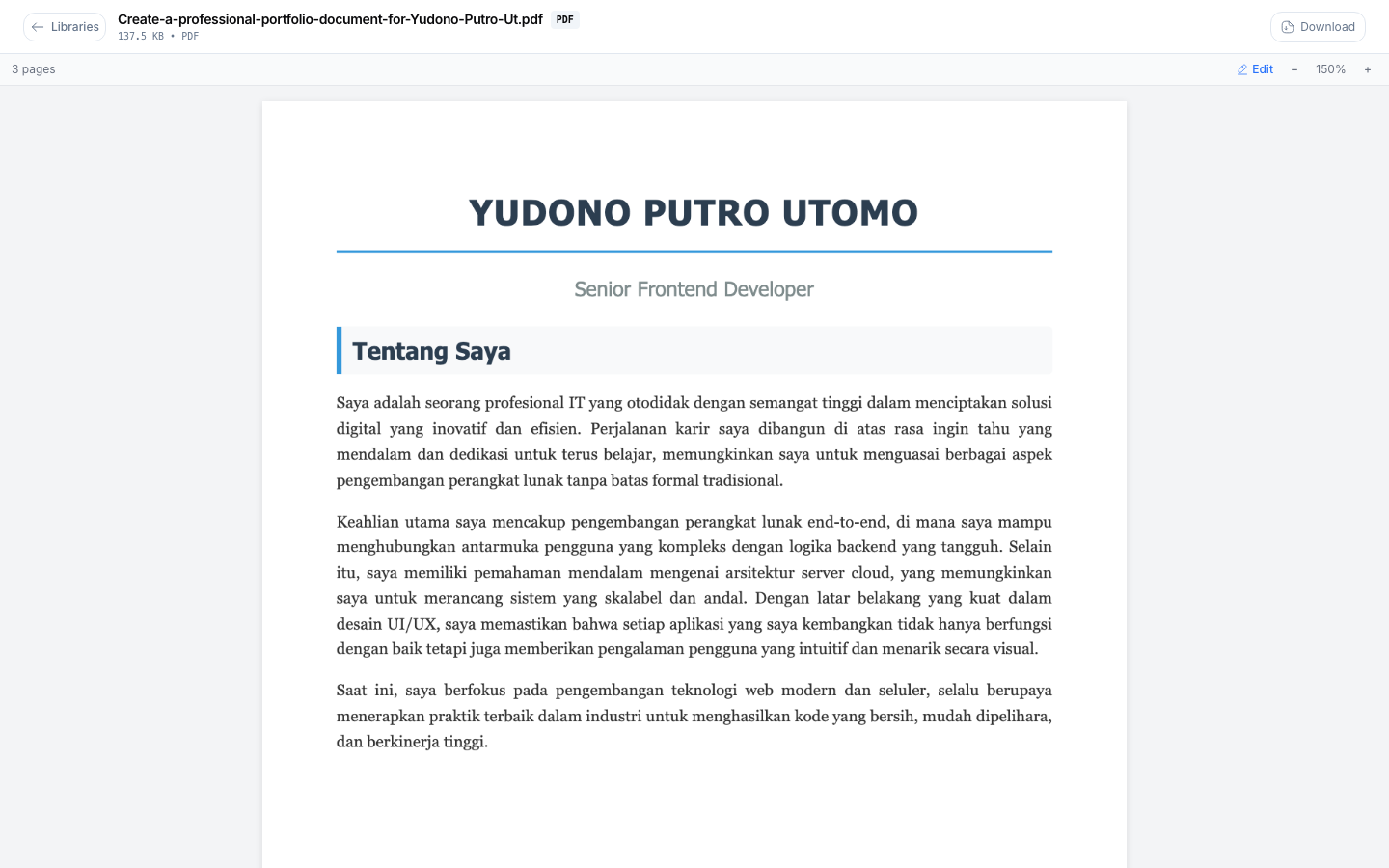
URL: https://www.documind.id/dashboard/items/:id
- Full-height PDF preview with zoom and page navigation — comfortable reading with no download.
- Metadata panel: file name, type, size, upload date, linked chat sessions.
- Actions: Download, Chat with document (AI Chat), Delete (a confirmation dialog always appears first).
- Need to split/merge? Split PDF, Merge PDF, Extract Page.
Markdown / Text Documents
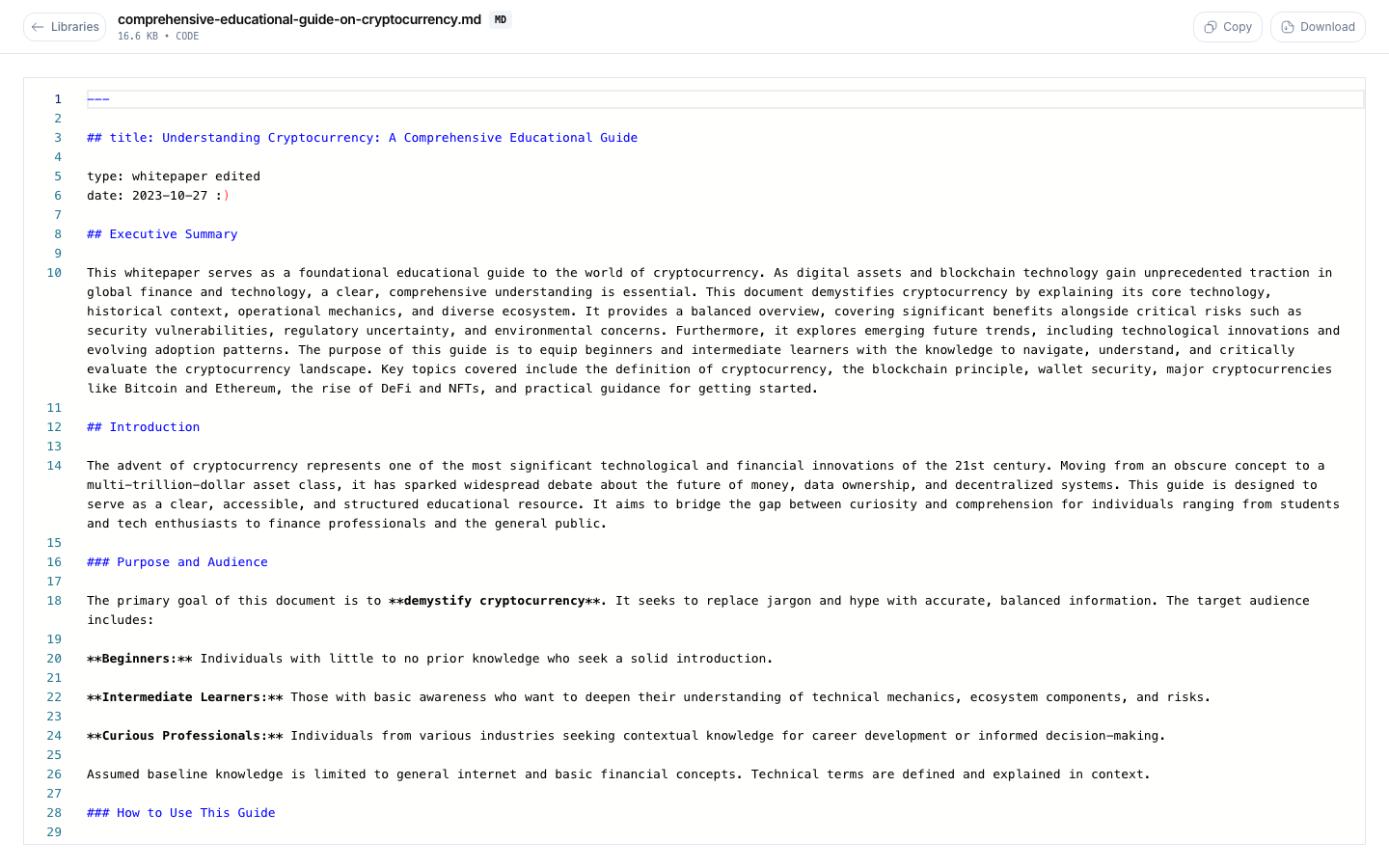
- Tidy Markdown render with syntax highlighting for code blocks.
- Actions: copy, download, chat. Further conversions: Markdown to PDF, Markdown to HTML.
HTML Documents
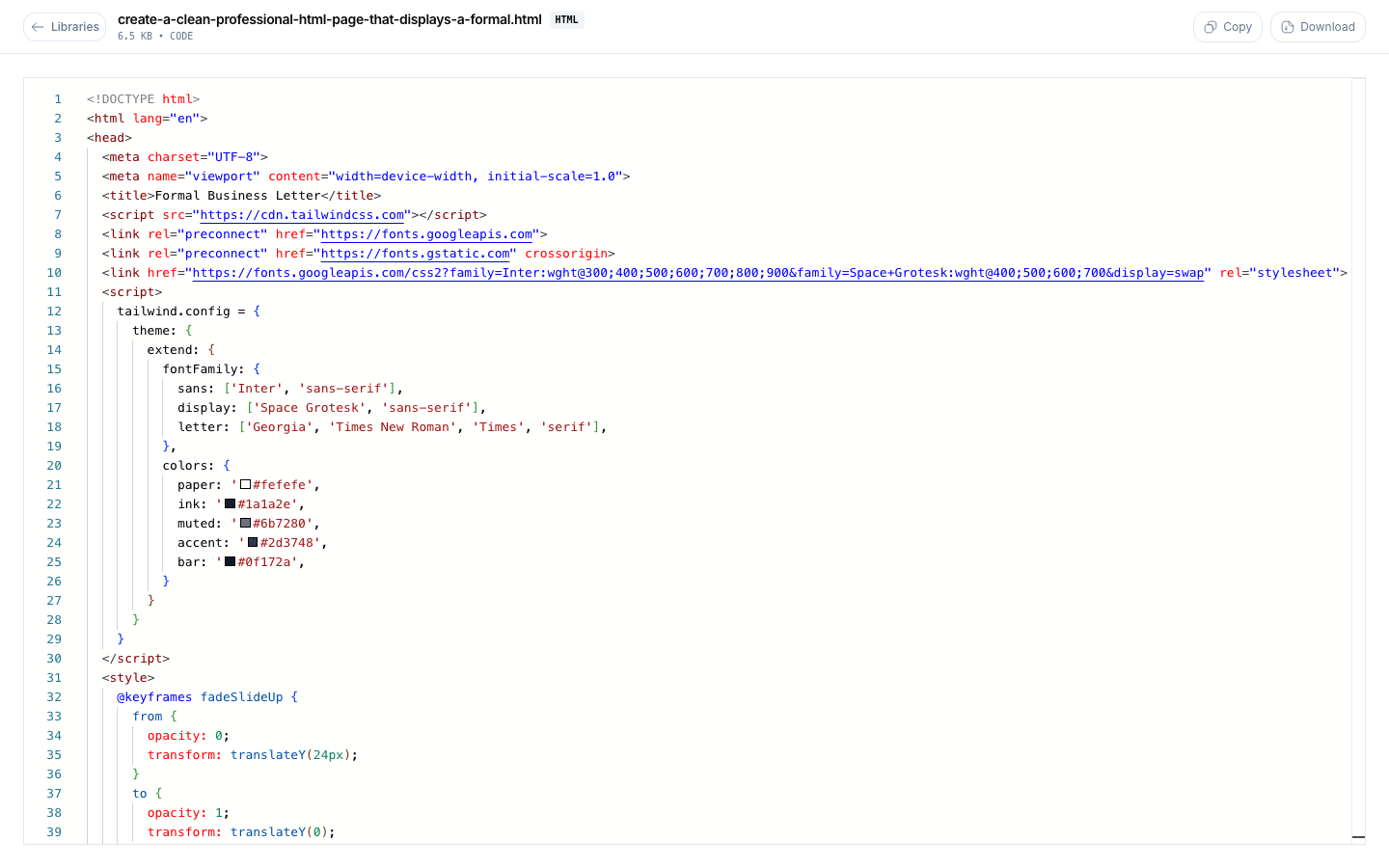
- Safe (sandboxed) HTML render exactly like a browser.
- Need the reverse? HTML to Markdown.
Word (DOCX) Documents
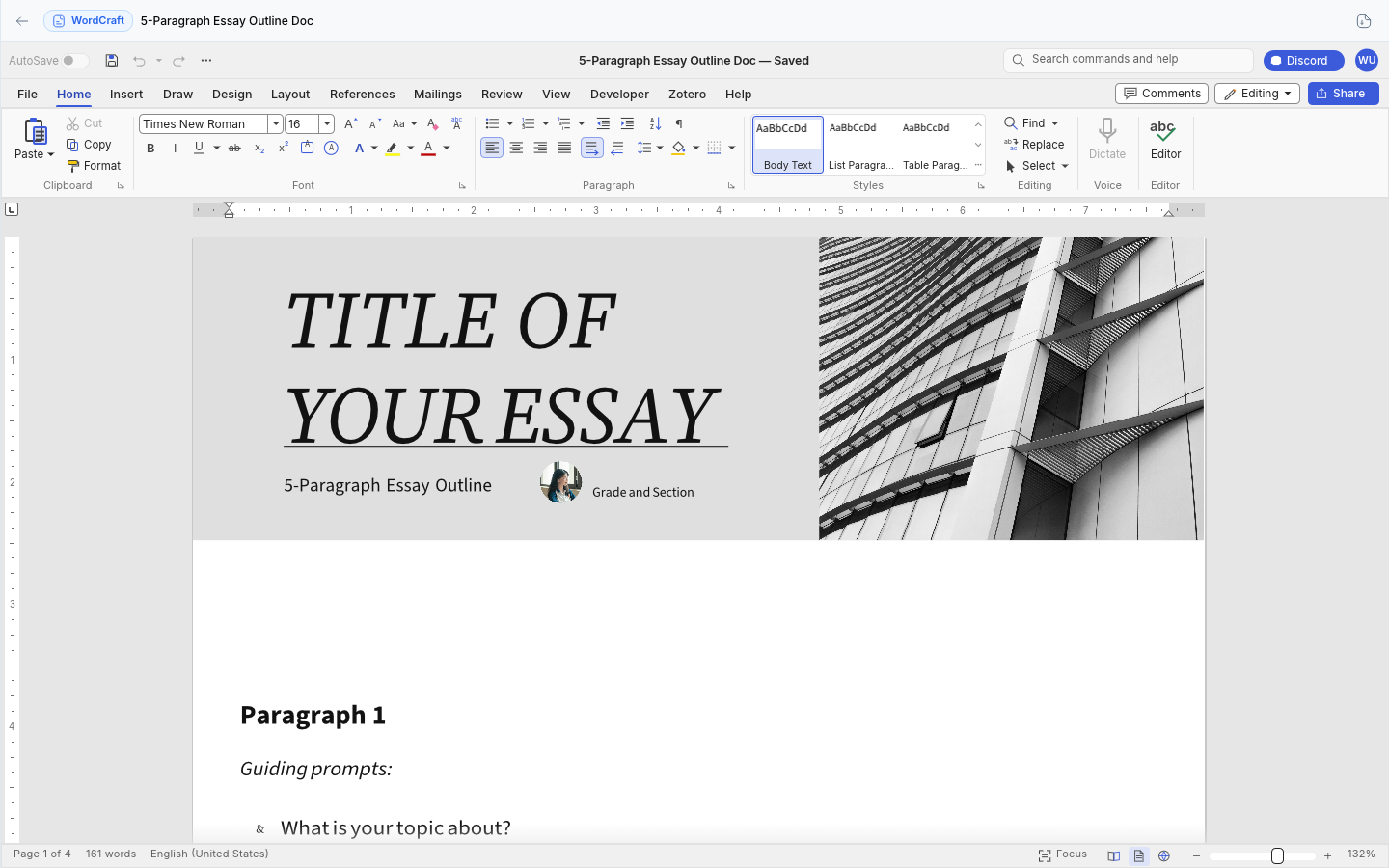
- Preview resembling the original Word appearance: text, headings, tables, images fully readable.
- Extract text with DOCX Text Extract, convert to HTML with DOCX to HTML or Markdown with DOCX to Markdown.
New Documents (Editors)
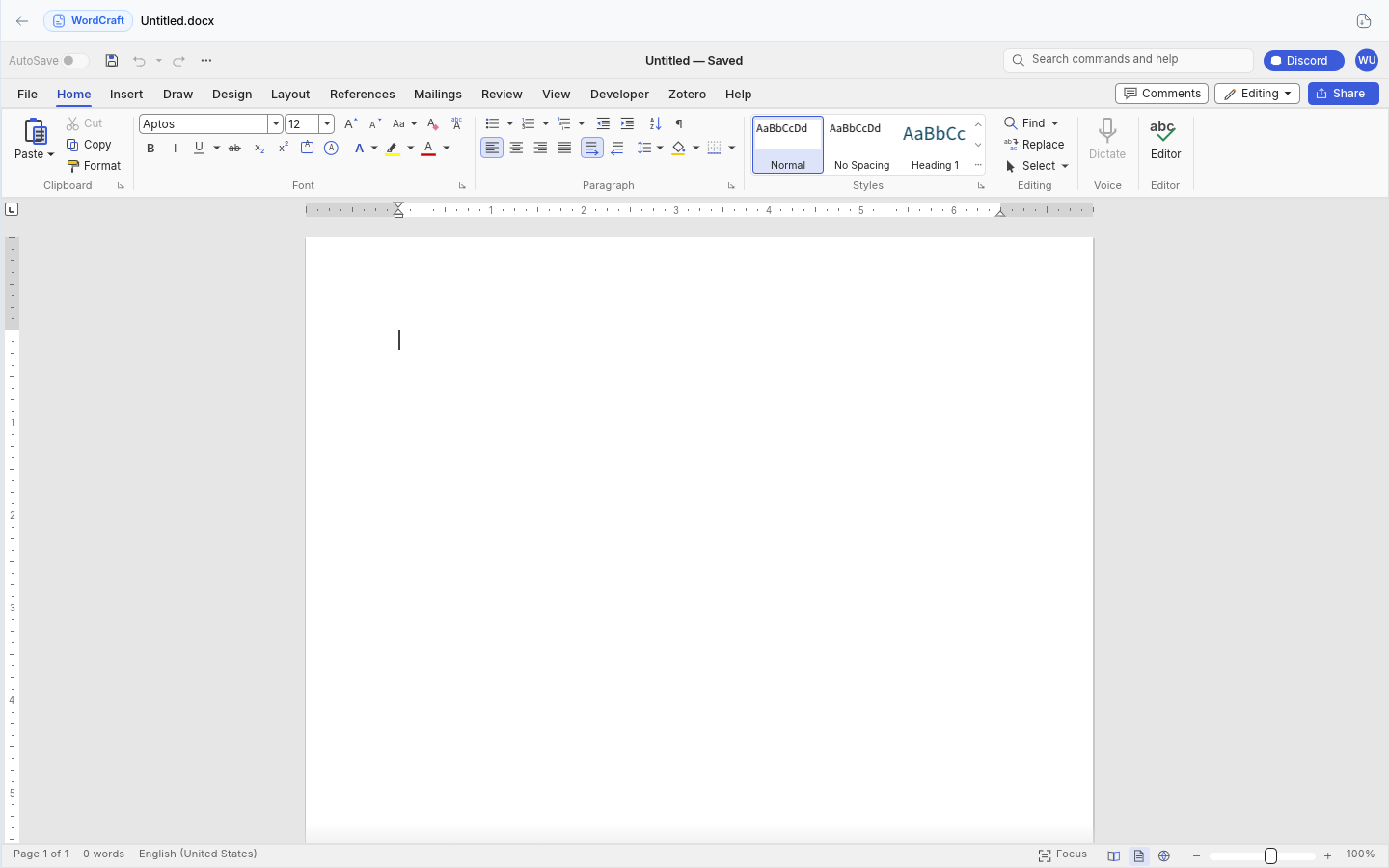
URL https://www.documind.id/dashboard/new/docs — write text documents, spreadsheets (/dashboard/new/sheets), or presentation decks (/dashboard/new/slide):
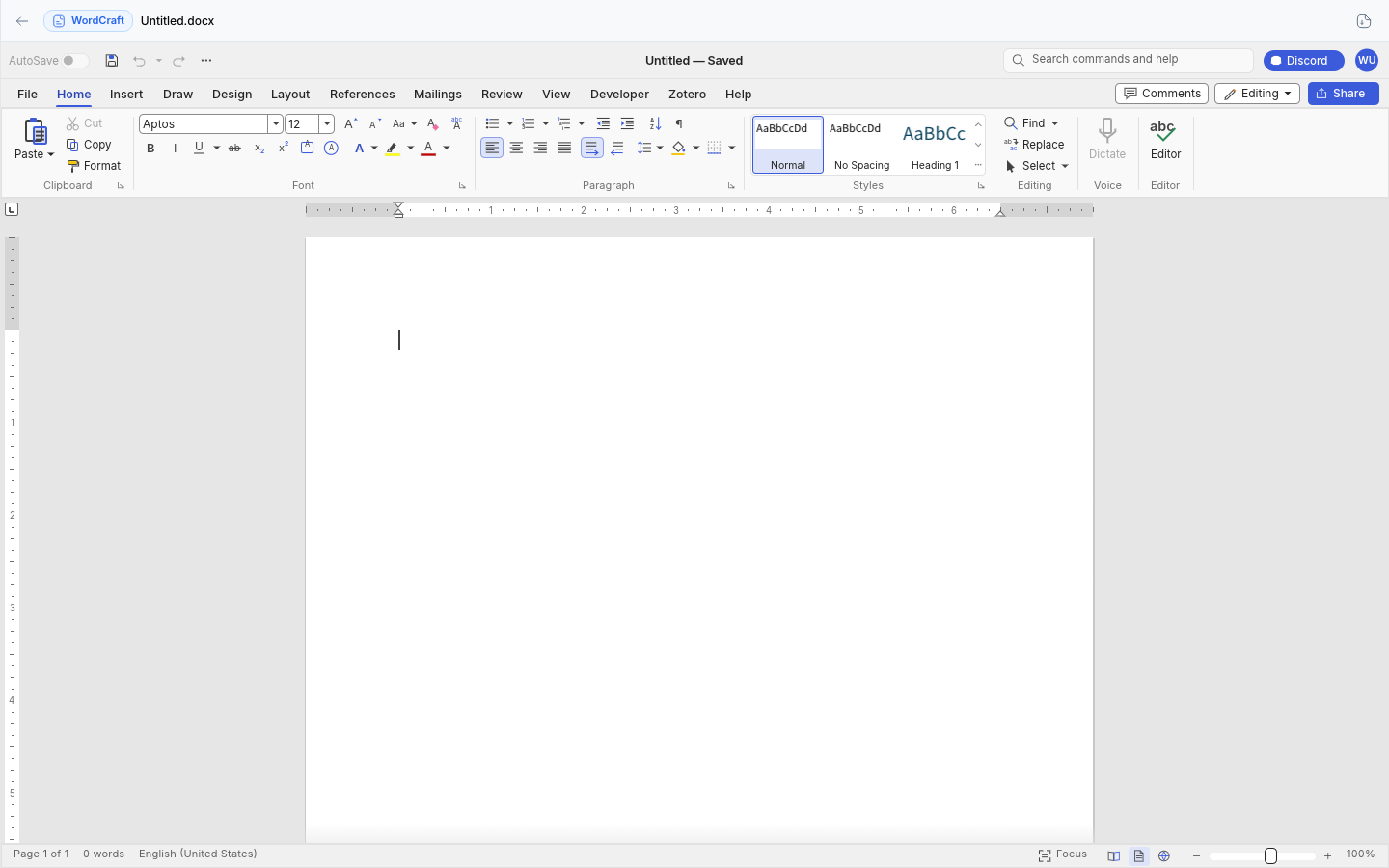
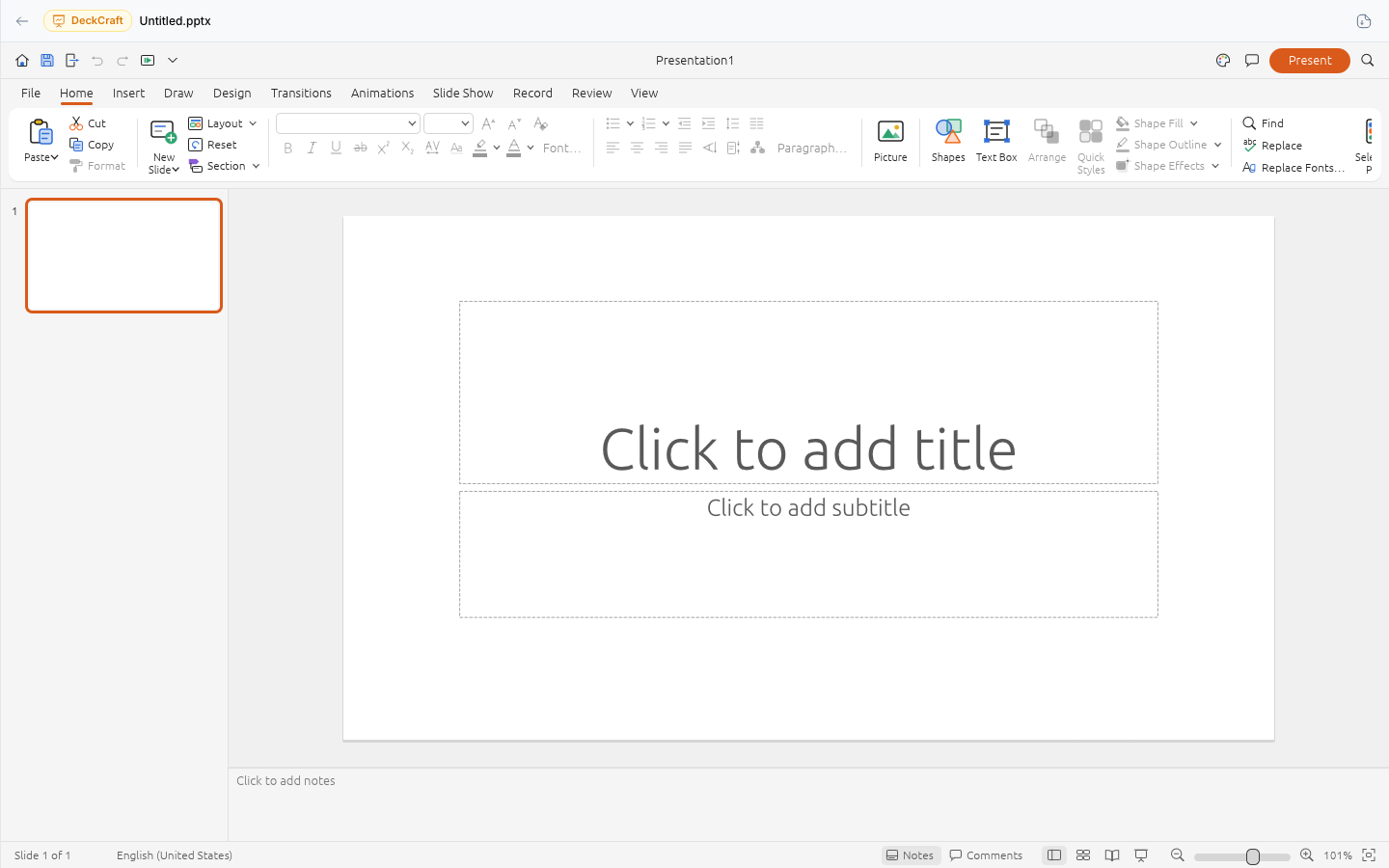
Its parts:
- Document editor — write and format prose (headings, lists, tables), then save directly as a My Documents item.
- Worksheet — arrange tabular row/column data for calculation and recaps.
- Presentation editor — compose slide by slide for talk materials.
- Auto-saved as items — everything saved lands in My Documents and can be chatted with (AI Chat) — e.g. ask for a summary of what you just wrote.
Suggested flow: generate a first draft from AI Chat → refine in the editor → save → file into folders.
Real-World Flows
Tidy thesis archive (30 min setup): create 2026-Thesis/{Journals,Drafts,Data} folders → upload all PDFs → move per category → delete duplicates (confirmed per file) → test search and one chat per chapter.
Audit prep (20 min): merge scans with Merge PDF → number pages with Page Numbers PDF → upload the final → lock into a dedicated folder.
Tidiness Tips
- Name files
YYYY-MM-DD-title-versionfrom upload — "newest" sort becomes meaningful. - One folder = one project/chapter; avoid 50+ files in a single folder.
- Delete duplicates every Friday (confirmation dialogs protect against slips, but habits are better).
- Files > 25 MB? Compress/split before upload for fast previews.
Library FAQ
Which formats are supported? PDF, DOCX, XLSX, PPTX, images, code, text, HTML — use filter chips per type.
Is file deletion reversible? Every delete asks for confirmation first. Once confirmed, files are gone — be sure before clicking Yes.
Can new documents be chatted with? Yes. Everything saved from the editors becomes an item attachable to AI Chat.
How do I move files to folders? Open the item → move to the target folder, or drag where supported; use breadcrumbs to navigate.
Large files open slowly — fix? Compress (Compress PDF, Compress Image) or split (Split PDF, CSV Split) before upload.
Important Links
- Overview · Authentication · Account · Billing · Landing Page
- Dashboard · AI Chat · Research · Find Journal
- Library · My Library · Tools
Keywords: documind my documents, manage documents, document folders, pdf preview, online document editor.