Landing Page
DocuMind's public marketing page: features, pricing, testimonials, and links into the app. The front door for new visitors — understand its structure so you can point colleagues/clients at exactly the right section.
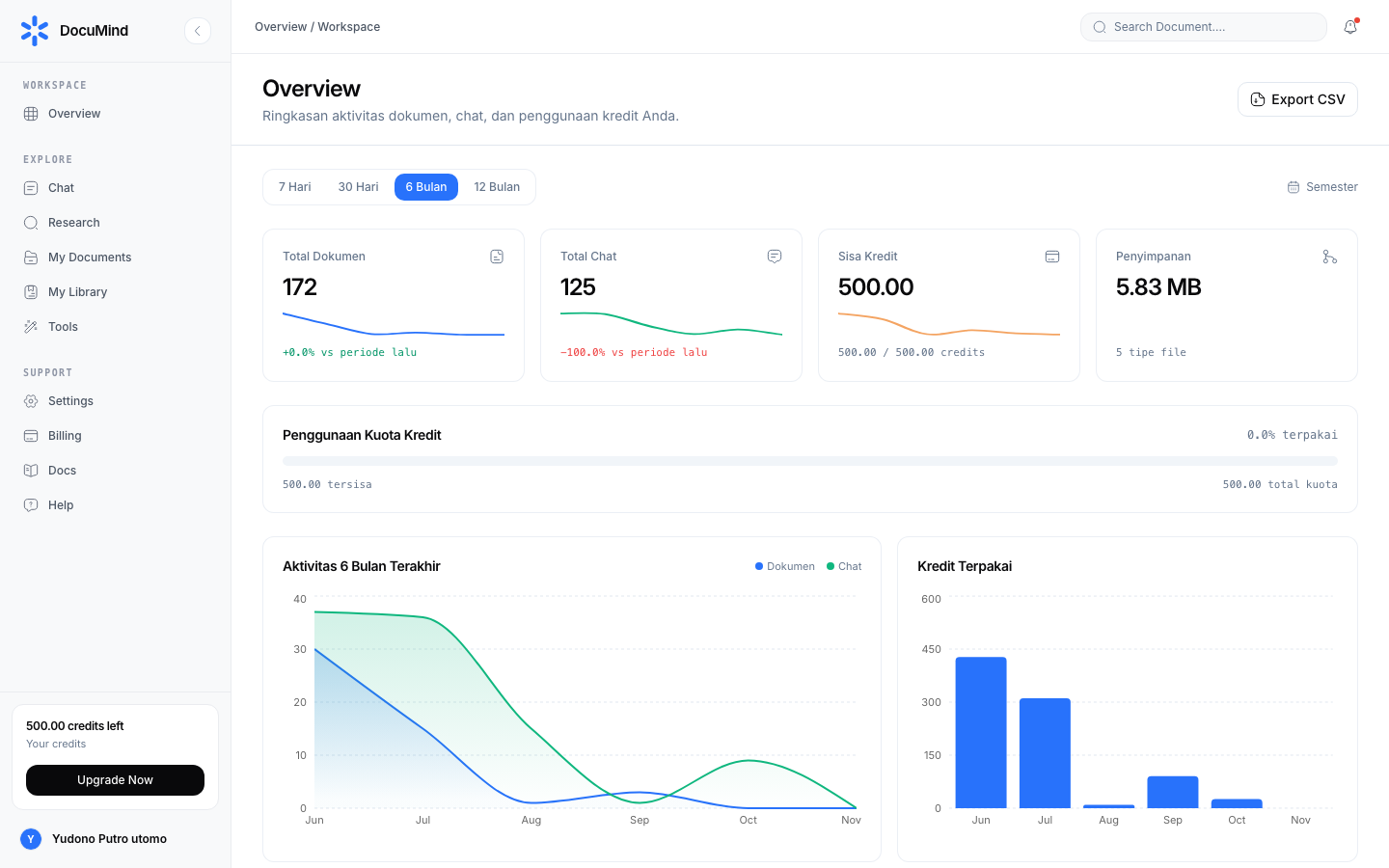
URL: https://www.documind.id/
Quick Summary
| Section | Contains | URL |
|---|---|---|
| Hero | Headline, Sign Up/Sign In CTAs, product preview | / (top) |
| Features | Document chat, journal research, 152 free tools | / (middle) |
| Pricing | Credit packages and subscriptions | / (lower middle) |
| Testimonials & FAQ | User proof and common answers | / (bottom) |
| Sign In | Existing users | /auth/signin |
| Sign Up | New accounts | /auth/signup |
Landing Page Parts
- Hero — core value headline, one-sentence subheadline, dual Sign Up / Sign In buttons, plus product visual (dashboard screenshot). Point newcomers here first; Sign Up goes to
/auth/signup(Authentication). - Features — three pillars: cited document chat with ready-to-use drafts (AI Chat), multi-source journal research (Research, Find Journal), and 152 free tools like Merge PDF and Compress Image.
- Pricing — credit package and subscription summary. For balance and top-up detail after sign-up, see Billing.
- Testimonials — user quotes (students, lecturers, professionals) as social proof. Shareable with decision-makers needing validation.
- FAQ — answers to common objections (is it free, is data safe, installs needed?). Long answers live in these docs.
- Footer & nav — docs links, policies, Sign In (
/auth/signin) / Sign Up (/auth/signup) buttons.
How to Use the Landing Page
- New visitor: read hero → scan features → check pricing → read 2–3 testimonials → click Sign Up.
- Inviting a colleague: send the exact relevant URL (landing for overview,
/en/docs/toolsfor tool users,/en/docs/ai-chatfor researchers). - Already have an account: skip landing, go straight to
https://www.documind.id/dashboard(Dashboard) or use Sign In.
Example Scenarios
- Lecturer introducing to class: demo the features section (chat + citations) for 5 minutes, then share
/en/docs/ai-chatas self-study material. - Ops team: highlight the 152 free tools section — they can use them immediately.
Related
- After sign-up/sign-in: Authentication → Dashboard → Account.
- To try with no commitment: Tools (free for basic use).
Landing Page FAQ
Is DocuMind free? 152 standard tools are free. AI features (chat and research) use credits — tracked in Billing.
Installs needed? No. Everything runs in the browser — web app plus client-side tools.
Is my data safe? Documents are encrypted and never train public models; standard tools process locally in the browser. Details in Overview.
Where is the app entry?
Sign In → https://www.documind.id/auth/signin; Sign Up → https://www.documind.id/auth/signup.
Important Links
- Overview · Authentication · Account · Billing · Landing Page
- Dashboard · AI Chat · Research · Find Journal
- Library · My Library · Tools
Keywords: documind, documind landing page, documind features, documind pricing, documind sign up.