Dashboard
Workspace control center: statistics, global search, sidebar navigation, tools directory, connector, billing, and help. If you read only one guide, read this — every workflow starts and ends at the dashboard.
URL: https://www.documind.id/dashboard
Quick Summary
| Area | URL | Purpose |
|---|---|---|
| Overview & Statistics | /dashboard | Document/chat totals, remaining credits, storage, charts, CSV export |
| Global Search | /dashboard/search | Search documents, chats, library, tools at once |
| Tools Directory | /dashboard/tools | 152 free tools (guide: Tools) |
| Connector | /dashboard/connector | External-source integrations |
| Profile / Settings | /dashboard/profile, /dashboard/settings | Identity & preferences (Account) |
| Billing | /dashboard/billing | Credits & top-ups (Billing) |
| Support / Help / Docs | /dashboard/support, /dashboard/help, /dashboard/docs | Help & guided topics |
Overview & Statistics
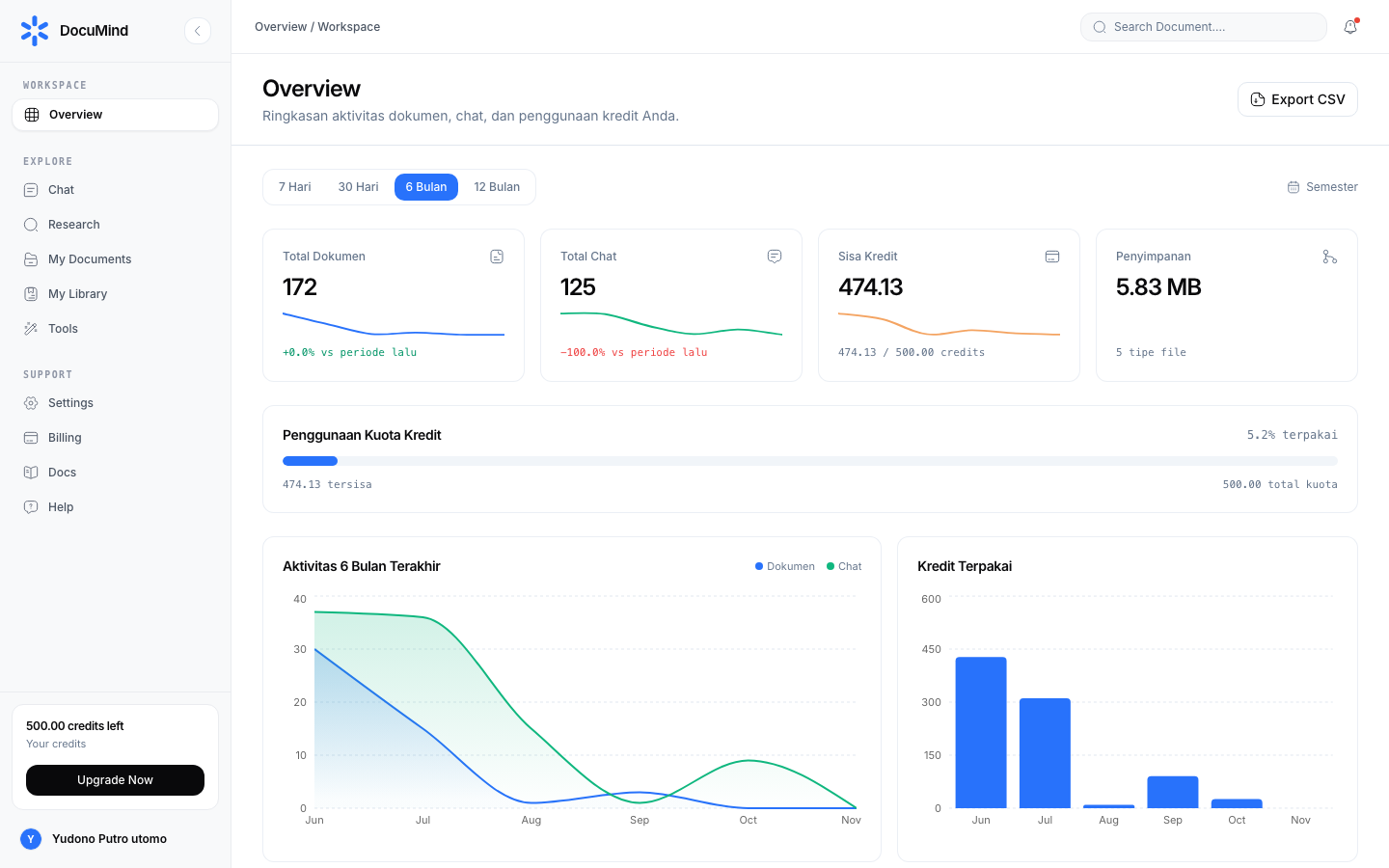
URL: https://www.documind.id/dashboard
Its parts:
- Total Documents — file count in My Documents with trend vs previous period. Sudden jump? Check auto-saved generated outputs.
- Total Chats — AI conversation sessions (AI Chat). Spike with no results? Archive stale sessions in the chat sidebar.
- Remaining Credits — remaining AI quota (e.g.
999,984.16of1,000.00) with a real-time progress bar. Details & top-ups: Billing. - Storage — total file size + file-type count. Clean large duplicates when nearing limits.
- Period filter — 7 Days / 30 Days / 6 Months / 12 Months for activity charts. Use 6–12 months for seasonal patterns (e.g. semester-start spikes).
- Activity charts — Documents vs Chat lines per month + Credits Used bars. Healthy pattern: documents climbing steadily, credits controlled.
- Export CSV button — downloads an activity summary. Analyze the CSV with CSV Viewer, CSV Statistics, or CSV to JSON.
Reading example: "Total Chats up 40% but Remaining Credits down sharply" → open history in Billing, find the wasteful session, archive it, and move deterministic work to Tools.
Global Search
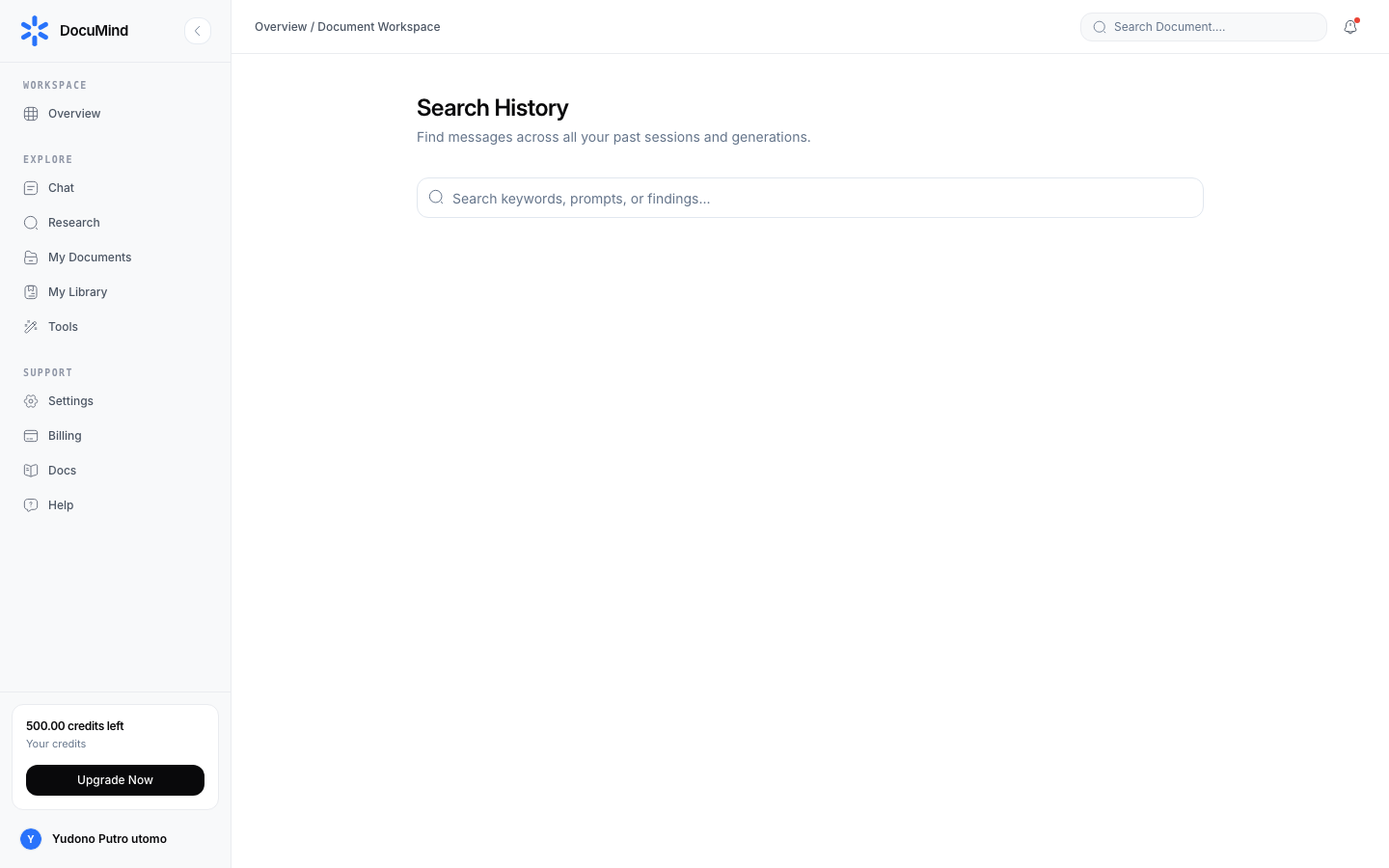
URL: https://www.documind.id/dashboard/search
- One box searches documents, chats, library, and tools at once — no need to remember where a file lives.
- Results grouped by type with direct links; click to jump, not to browse.
- Tip: search by content keywords ("january invoice", "research method"), not just file names. Saved papers are also title/author-searchable in My Library.
Tools Directory
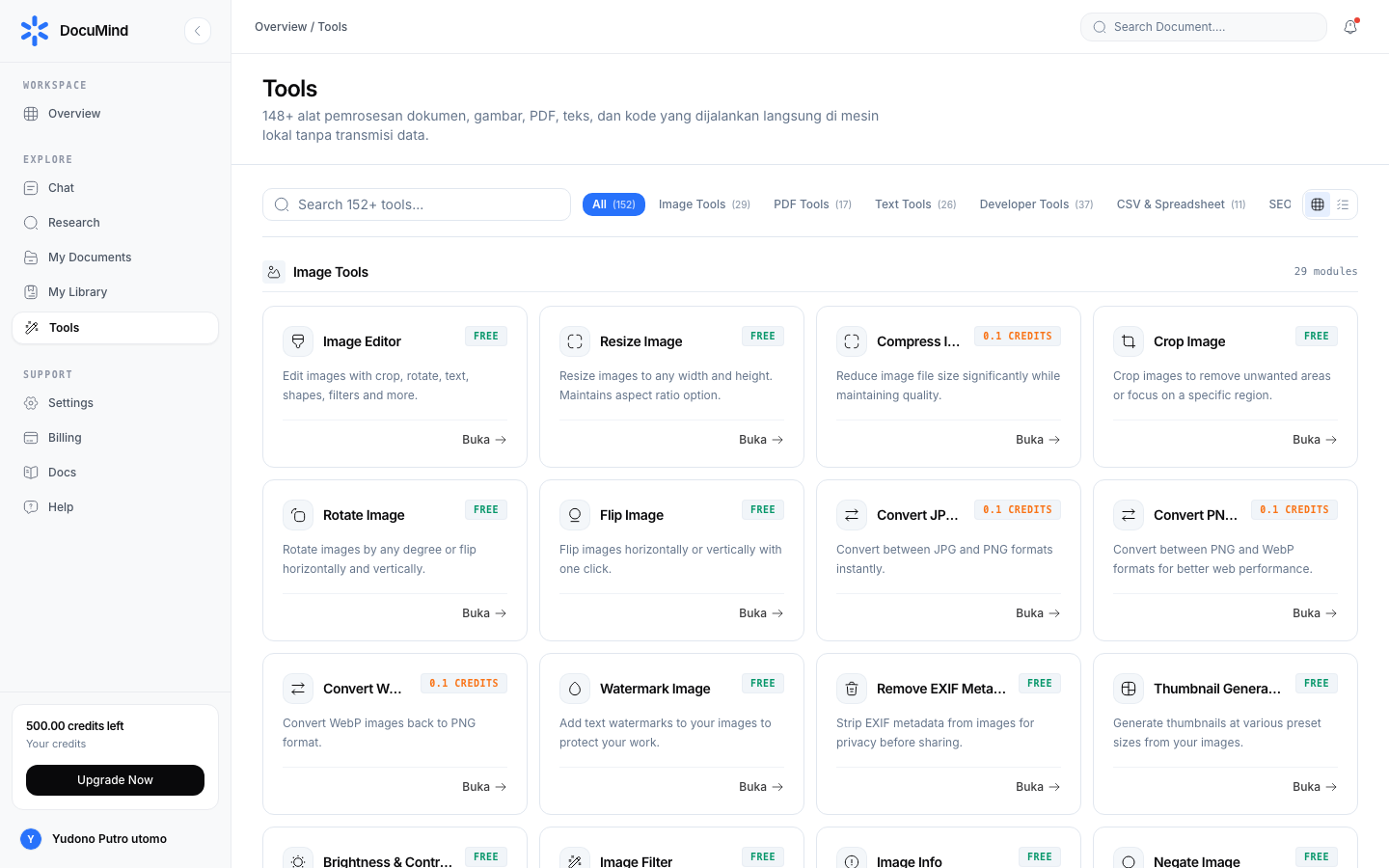
URL: https://www.documind.id/dashboard/tools
- 152 tools in 9 categories (Image, PDF, Text, Developer, CSV, SEO, Document, Archive, Utilities).
- Every tool has its own guide page — e.g. Resize Image, Merge PDF, Word Counter, JSON Formatter, Meta Tag Generator. Full index: Tools.
- Usage: pick a category or search → click a tool → upload/fill input → process → download. All free, no credit deductions.
Connector
URL: https://www.documind.id/dashboard/connector
- Connect external sources and manage available integrations (cloud storage, APIs, webhooks — per the on-page list).
- Typical flow: click Connect → follow OAuth / enter API key → test connection → manage (disconnect/reconnect) anytime.
- On failure, check provider-side OAuth permissions and reconnect before contacting support.
Profile, Settings, Billing, Support, Help
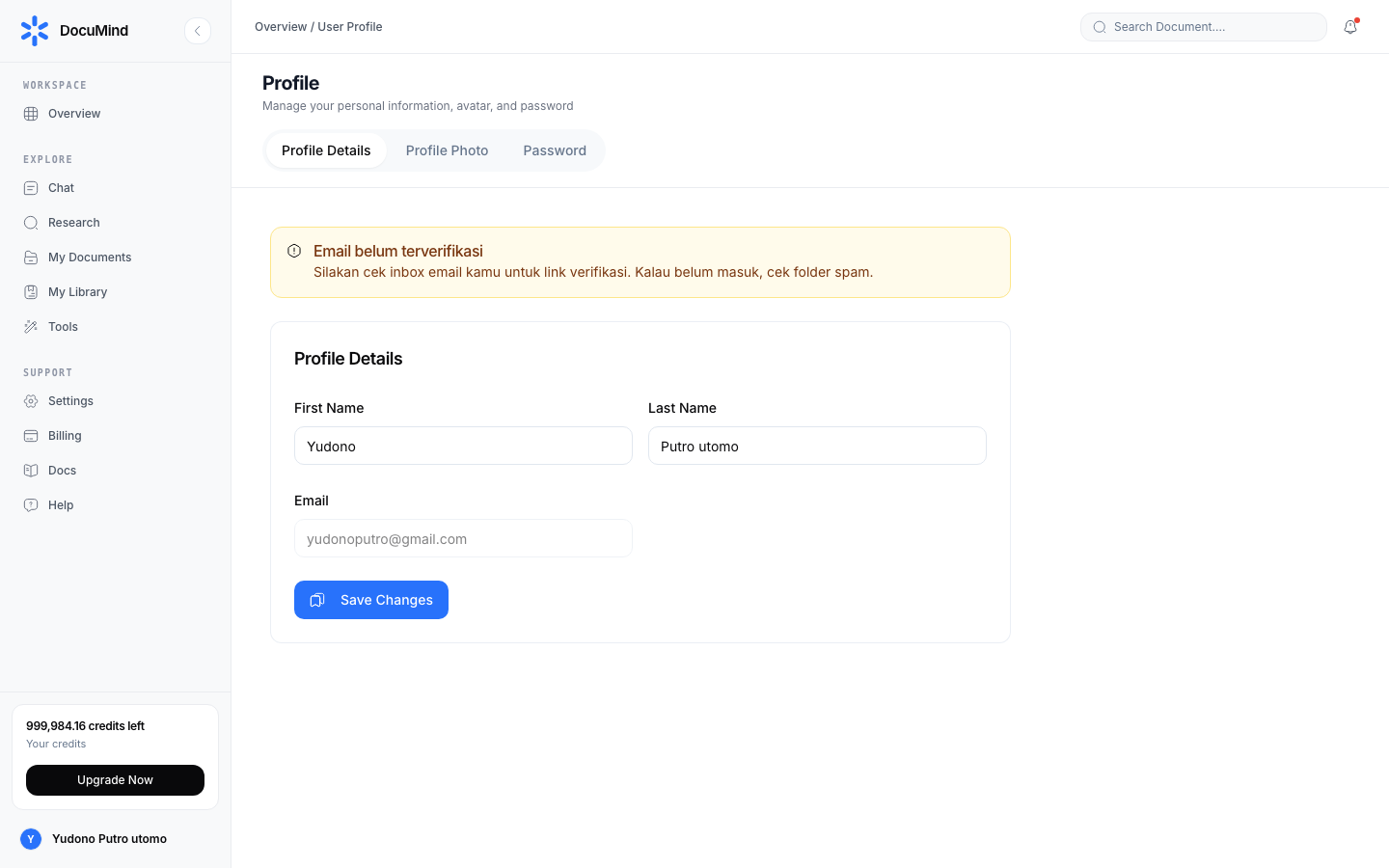
URL: https://www.documind.id/dashboard/profile — view & edit name, photo, account info. Details: Account. Oversized photo? Shrink first with Resize Image.
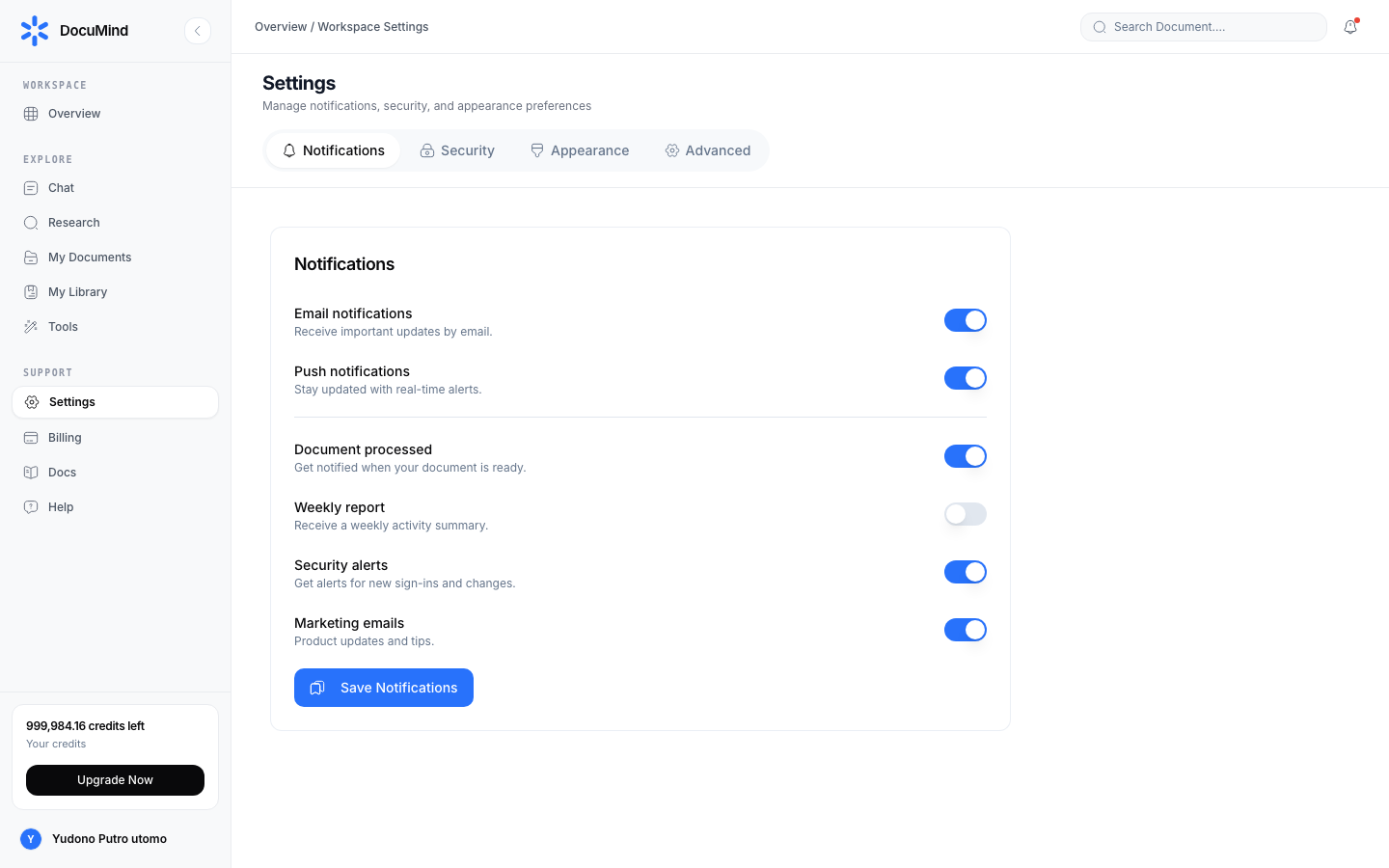
URL: https://www.documind.id/dashboard/settings — language, theme, notifications, workspace. Set once early for consistency across devices.
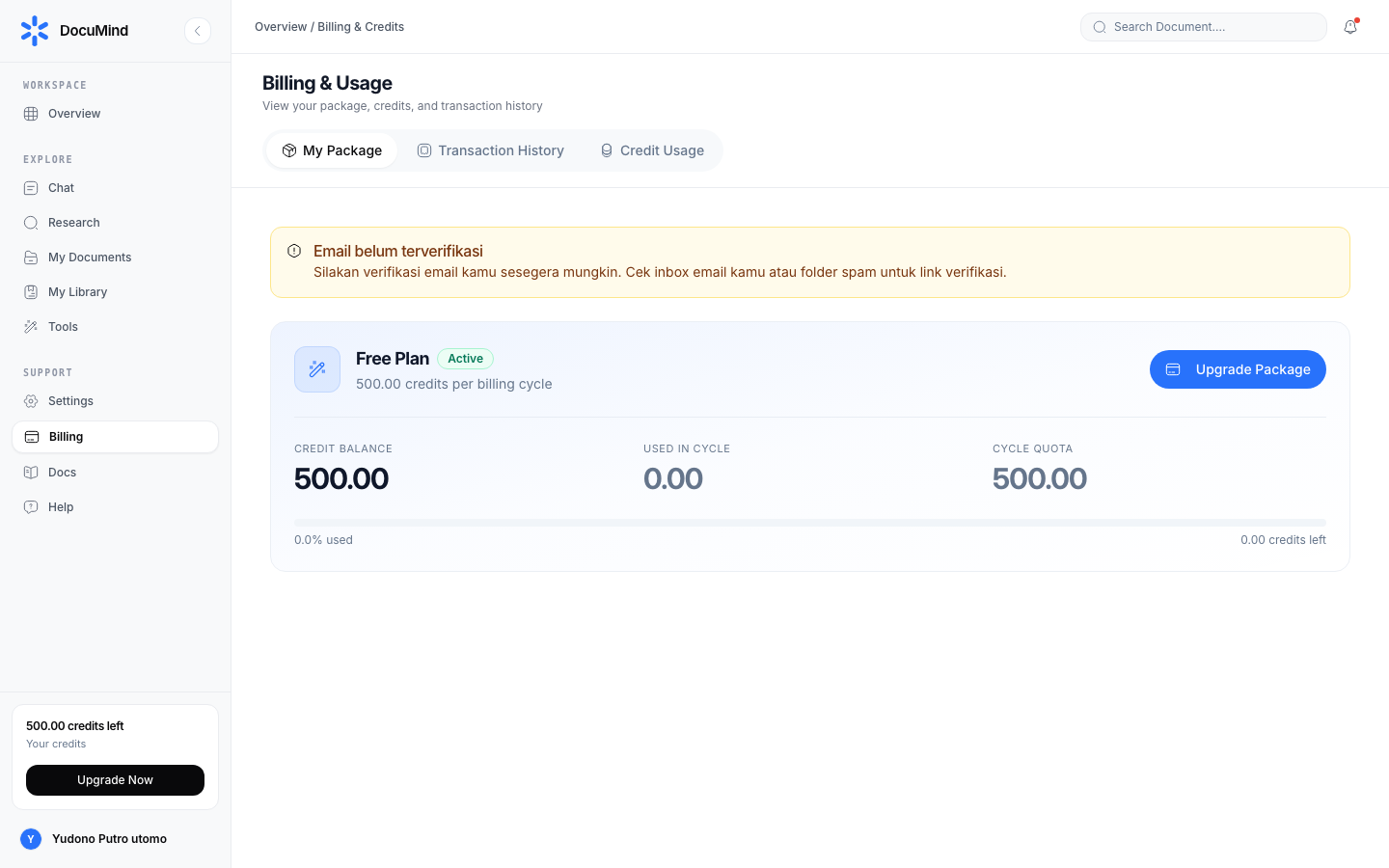
URL: https://www.documind.id/dashboard/billing — remaining credits, usage history, top-ups. Details: Billing.
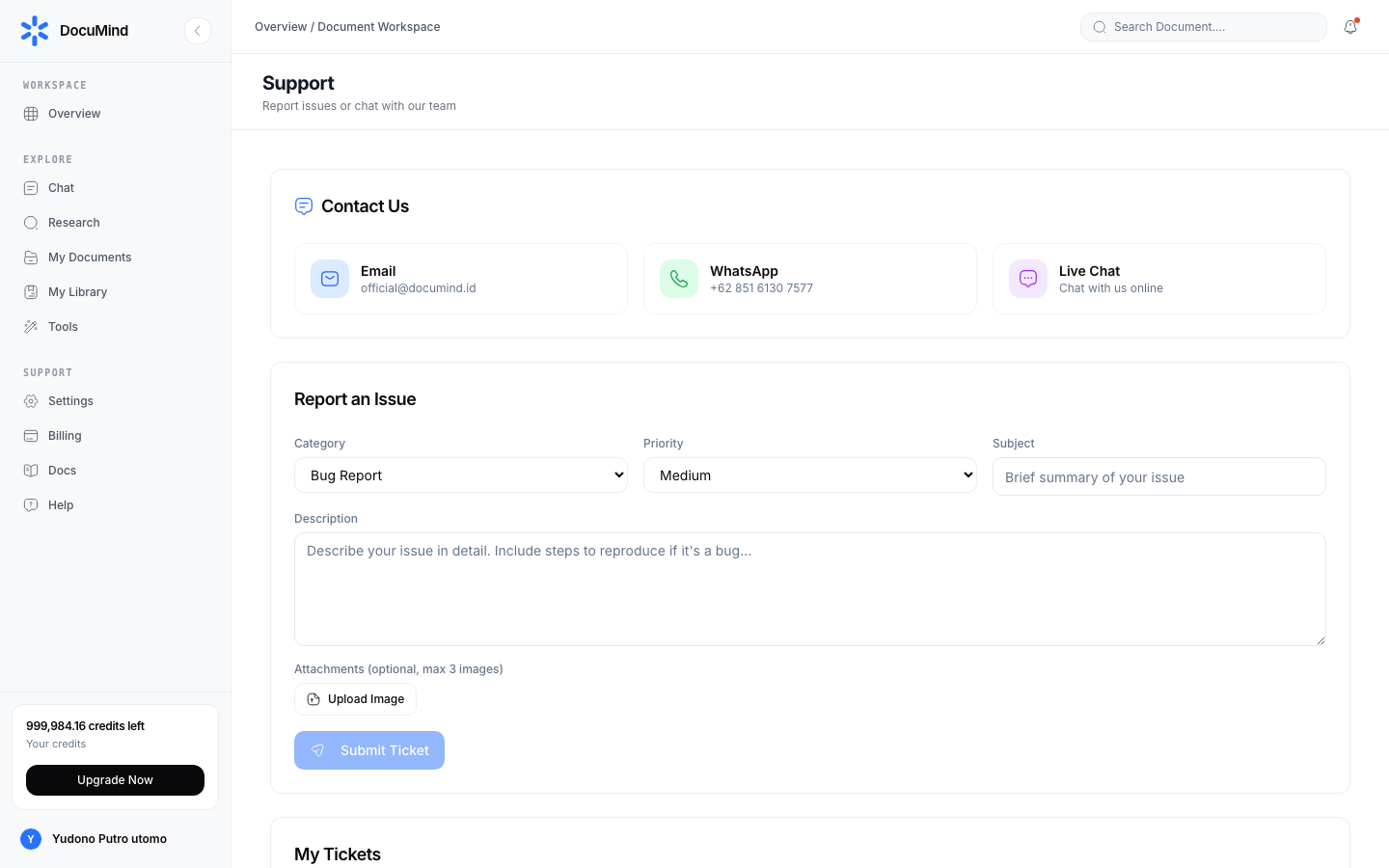
URL: https://www.documind.id/dashboard/support — contact support and track tickets. Include page URL + screenshot + repro steps for fast handling.
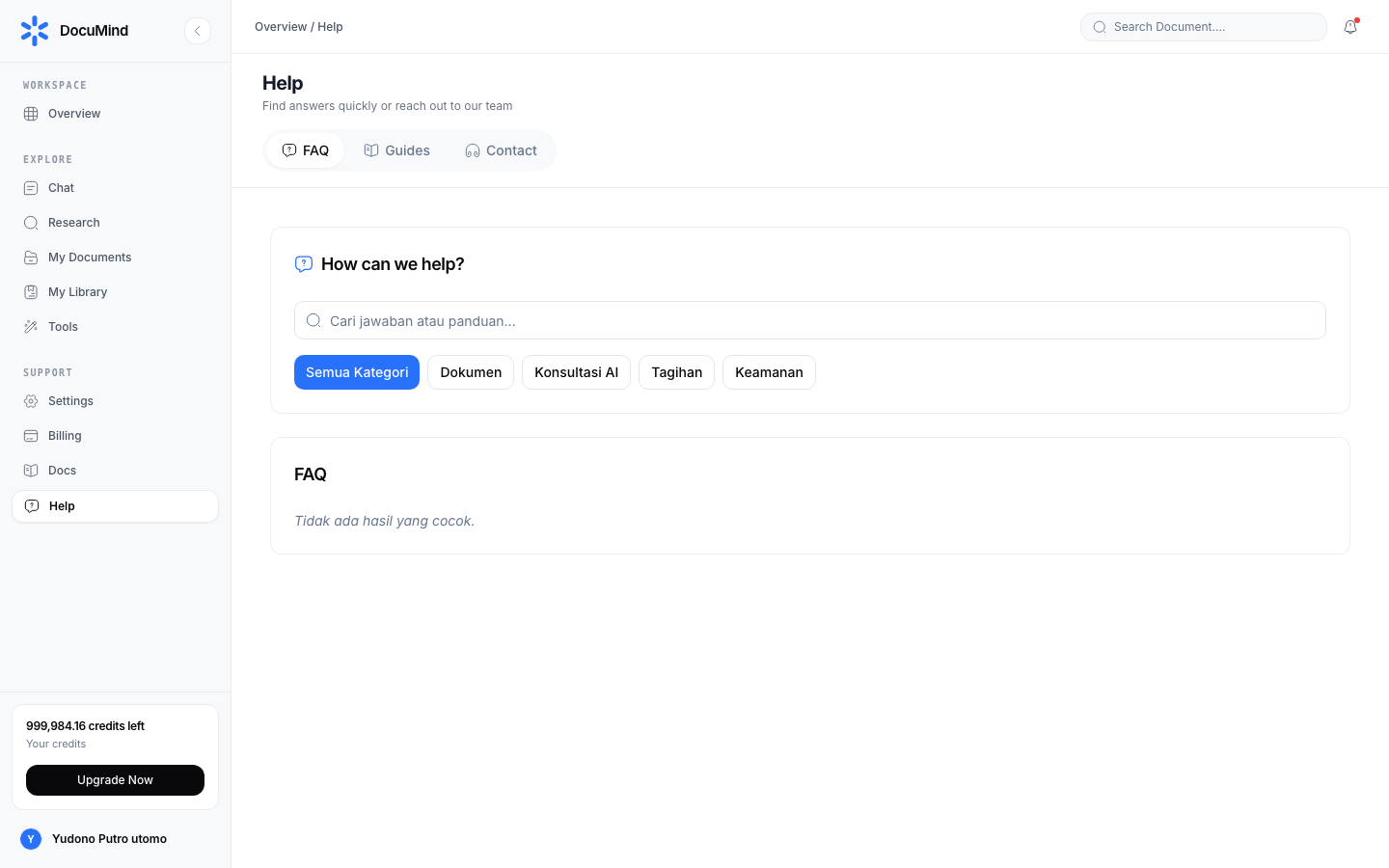
URL: https://www.documind.id/dashboard/help — FAQ and first-step troubleshooting before contacting support.
In-Dashboard Docs Hub
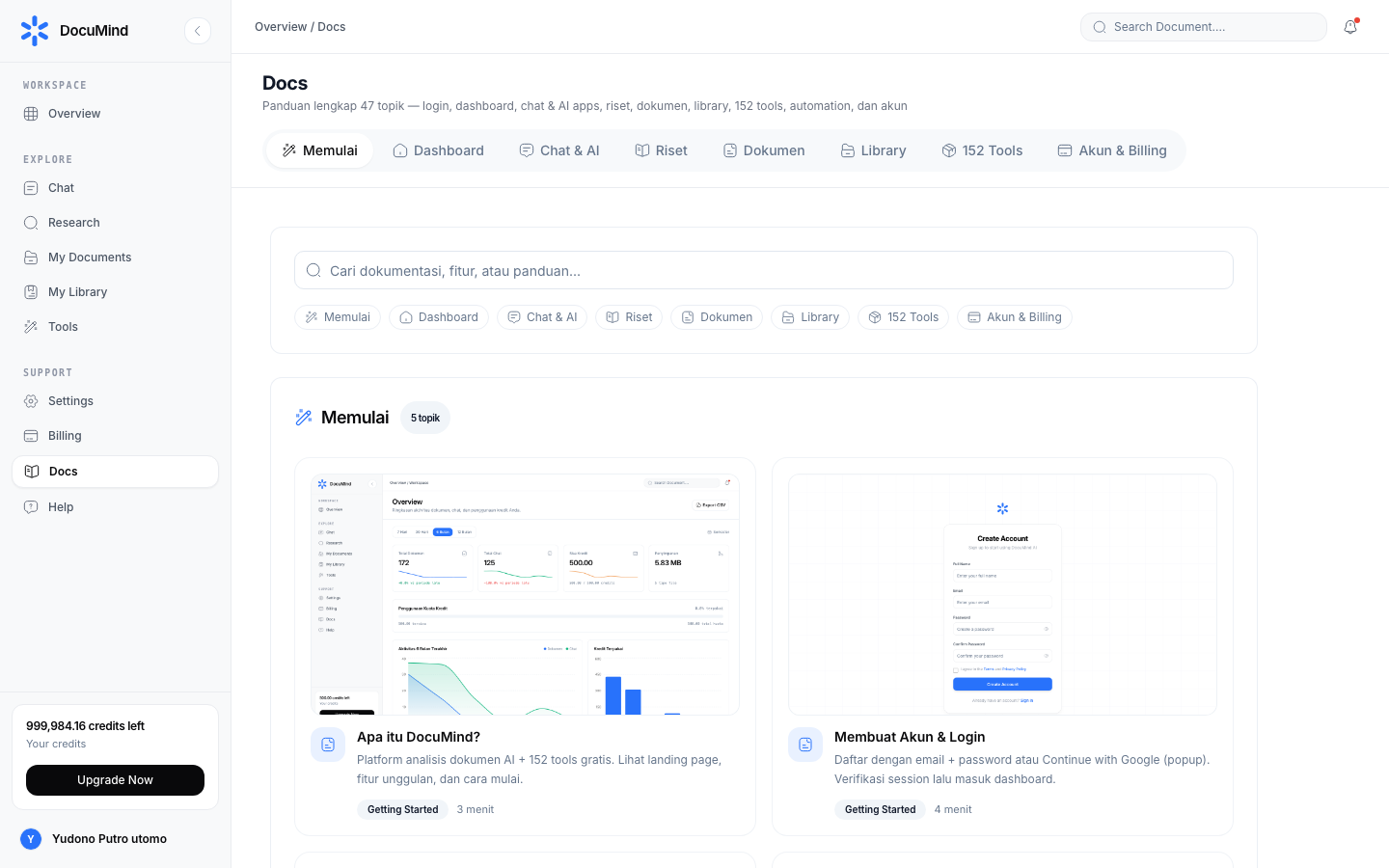
URL: https://www.documind.id/dashboard/docs
- Dozens of guided topics with screenshot thumbnails, search, and category tabs (Getting Started, Dashboard, Chat & AI, Research, Documents, Library, Tools, Account).
- Each card links to the feature page or the public documentation (
/en/docs/...) — the condensed version of the guide you are reading.
Daily Workflow Examples
Admin staff (30 min): check Remaining Credits → CSV-export last week → merge scans with Merge PDF → extract text with PDF to Text → archive in Library.
Student (1 hr): find papers in Find Journal → save 5 sources to My Library → ask comparisons in AI Chat → request a comparison table → download and inspect with CSV Viewer.
Dashboard FAQ
Where are my remaining credits? The Remaining Credits card on the overview and the Billing page for history + top-ups.
How do I find an old file fast?
Use global search (/dashboard/search) — one box for documents, chats, library, and tools.
Are dashboard tools free? Yes. All 152 tools are free with no credit deductions. Per-tool guides: Tools.
What is CSV export for? Downloads an activity summary for reports/archives; analyze with CSV Statistics or CSV Viewer.
Need a human?
Support (/dashboard/support) for tickets; Help for self-serve FAQ.
Important Links
- Overview · Authentication · Account · Billing · Landing Page
- Dashboard · AI Chat · Research · Find Journal
- Library · My Library · Tools
Keywords: documind dashboard, workspace statistics, remaining credits, csv activity export, document search, connector.